Become a Certified UI/UX Design Professional with Learningport Technologies Skills and master user research, wireframing, prototyping, visual design, usability testing, responsive design, and design tools like Figma, Sketch, and Adobe XD
UI/UX Design Certification Training
- Practical Learning
- Learn Industry Skills
- Industry Professional Led Sessions
- Paid Internship
UI/UX Design Certification Training
Become a Certified UI/UX Design Professional with Learningport Technologies Skills and master user research, wireframing, prototyping, visual design, usability testing, responsive design, and design tools like Figma, Sketch, and Adobe XD
- Practical Learning
- Learn Industry Skills
- Industry Professional Led Sessions
- Paid Internship
Learners’ Advantages

LMS Portal Access
Access course materials, updates, and resources anytime, anywhere with our lifetime LMS access.

Paid Internship
Every student is offered a paid internship after course completion to build hands-on skills

1:1 Mentorship
Personalized one-on-one mentorship to guide your learning journey and career growth.

Career Guidance
Focused on career direction and growth with mentorship from industry experts throughout your journey.

24*7 Support
Round-the-clock 24/7 support to assist you whenever you need help, anytime anywhere.

Portfolio Building
Build a strong professional portfolio with real-time projects to showcase your expertise.

Interactive Live Training
Engage in real-time learning with interactive live classes led by experienced professionals.

Practical Assignments
Apply your learning through regular hands-on assignments based on real-world use cases.
UI/UX Design Course Curriculum
Module 1: Introduction to UI/UX Design
- Understanding the difference between UI and UX
- Importance of user-centered design
- Principles of good design
- Overview of the design process
- Role of a UI/UX designer
- Career opportunities in UI/UX
Module 2: User Research & Analysis
- Introduction to user research methods
- Conducting interviews and surveys
- Creating user personas
- Understanding user needs and goals
- Customer journey mapping
- Competitor analysis and benchmarking
Module 3: Information Architecture
- Principles of information architecture
- Organizing and structuring content
- Creating site maps
- Navigation design best practices
- Wireflows and user task flows
- Content hierarchy for better UX
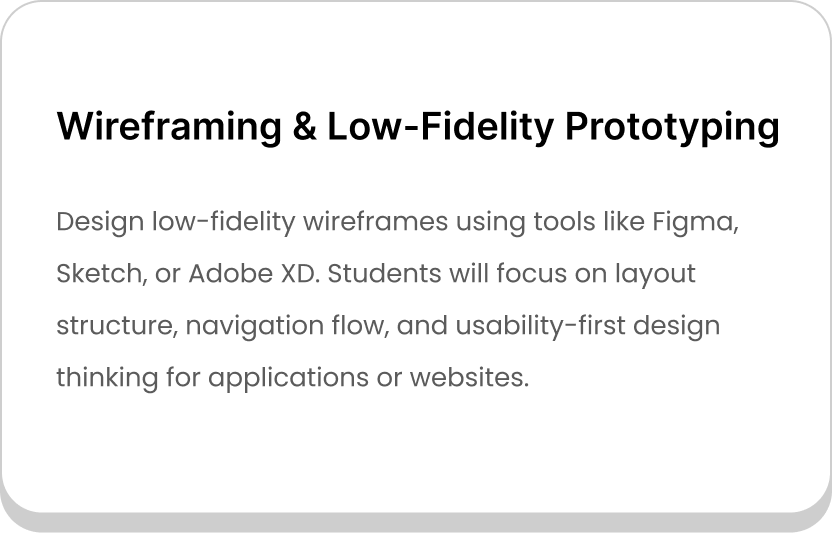
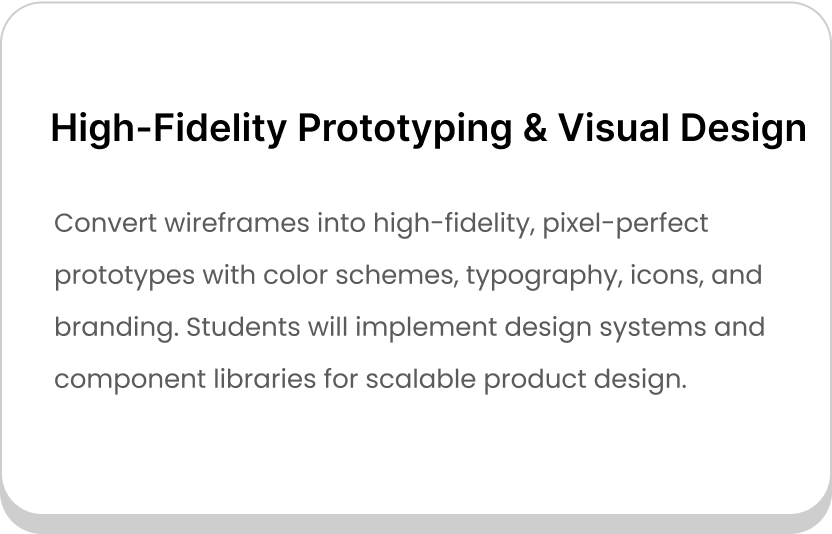
Module 4: Wireframing & Prototyping
- Introduction to wireframes
- Low-fidelity vs high-fidelity wireframes
- Tools for wireframing (Figma, Sketch, Adobe XD)
- Prototyping basics and interactions
- Building interactive prototypes
- Iterative design and feedback process
Module 5: Visual Design Principles
Fundamentals of visual hierarchy
Typography in UI/UX design
Color theory and accessibility
Iconography and imagery usage
Grid systems and layout design
Design consistency and branding
Module 6: UI Design Tools & Techniques
- Introduction to design tools (Figma, Sketch, Adobe XD)
- Creating design systems and style guides
- Component libraries for scalability
- Working with responsive design
- Collaboration features in design tools
- Exporting assets for developers
Module 7: Interaction Design
- Principles of interaction design
- Micro-interactions and animations
- Feedback and response in UI
- Motion design basics
- Prototyping interactive experiences
- Enhancing usability with interaction patterns
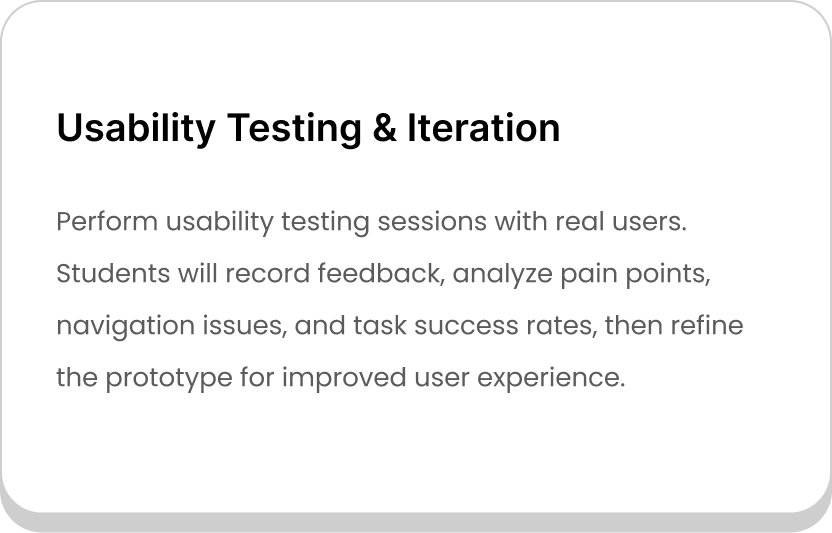
Module 8: Usability Testing
Importance of usability testing
Methods of usability testing
Preparing test scenarios and tasks
Conducting remote and in-person tests
Analyzing results and user feedback
Iterating designs based on findings
Module 9: Mobile & Responsive Design
- Mobile-first design approach
- Designing for different devices and platforms
- Responsive layouts and grids
- Touch-friendly UI elements
- Accessibility in mobile design
- Native vs web app design differences
Module 10: Accessibility & Inclusive Design
- Principles of inclusive design
- WCAG accessibility guidelines
- Designing for people with disabilities
- Color contrast and readability
- Keyboard navigation and screen readers
- Tools for accessibility testing
Module 11: Collaboration with Developers
- Handoff process from design to development
- Using Zeplin, Figma Inspect, and similar tools
- Working with agile teams
- Communicating design decisions effectively
- Documenting design specifications
- Bridging the gap between designers and developers
Module 12: Portfolio Development & Career Preparation
Building a strong UI/UX portfolio
Documenting case studies effectively
Showcasing projects and design process
Preparing for interviews in UI/UX
Freelancing vs full-time design careers
Continuous learning and skill development
Let Us Worry About Your Job While You Focus On Your Skills
- Live Doubt Clearing Sessions
- Weekly Group/Individual Projects
- 1:1 Mentorship
- Monthly Webinars with Industry Leaders
Build a Job-worthy Project-Portfolio
Gain hands-on experience with cutting-edge cloud services that will equip you with the essential skills needed to thrive in a cloud computing career
Learner Benefits

World-Class Pedagogy
World-class pedagogy combines innovative teaching methods, practical learning, and global best practices to ensure students gain in-depth knowledge, critical thinking skills, and real-world expertise for career excellence.

4.9/5 Rating

Practical Learning

24*7 Support

1:1 Mentorship

1000+ Career Transition

100+ Hiring Patners

Career Assistance

Personalized Guidance
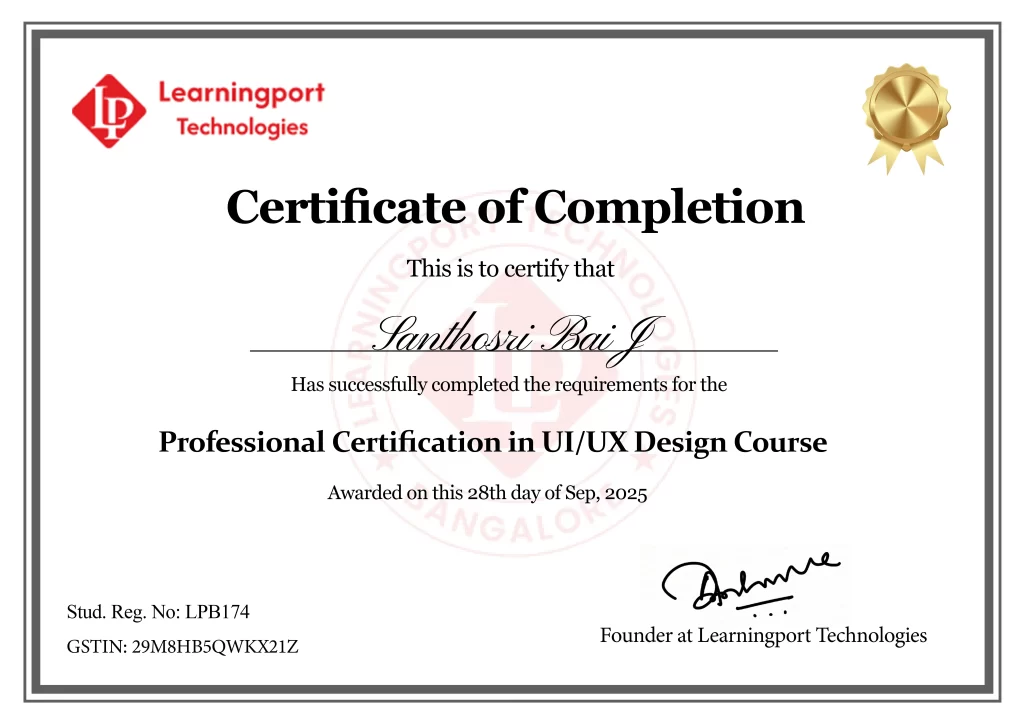
Get Professional Certificate
Upskill Your Knowledge To Change Your Career Trajectory
- Gain official proof of your expertise from a trusted institution, increasing your value in the eyes of employers and clients.
- Stand out in competitive job markets and unlock better job roles, promotions, or freelance opportunities.
- Certifications ensure your skills are aligned with current industry standards, making you job-ready from day one.
- Completing a certified course strengthens your belief in your capabilities and readiness to tackle real-world challenges.
- Join a professional community, gain access to hiring managers, and receive support from placement partners and mentors.
Get in touch
Our programs combine real-world projects, expert mentorship, and globally recognized certifications. empowering you to launch and grow your career in the cloud and beyond
Land Your Dream Job Like Our Alumni
FAQ's On This Course
UI/UX design is the practice of creating user-friendly, visually appealing digital experiences. UI focuses on the interface look and feel, while UX ensures usability, accessibility, and a smooth user journey through research, testing, and iterative improvements.
UI/UX design enhances user satisfaction, improves engagement, and ensures products meet user needs. A well-designed interface builds trust, reduces bounce rates, increases conversions, and provides businesses with a competitive advantage in the digital landscape.
No, coding is not mandatory for UI/UX design. However, having basic knowledge of HTML, CSS, or JavaScript can help communicate better with developers and understand the technical limitations of digital products.
You’ll learn tools like Figma, Sketch, Adobe XD, InVision, and usability testing software. These are industry-standard applications widely used by design teams and organizations worldwide.
Careers include UI Designer, UX Designer, Interaction Designer, Product Designer, UX Researcher, and Visual Designer. Each role focuses on specific parts of the design process in tech-driven companies.
Yes, UI/UX design is in very high demand. Businesses increasingly recognize the importance of user experience, making UI/UX professionals sought after in technology, healthcare, e-commerce, and financial industries.
Yes, we offer weekend batches for students and professionals with tight schedules.
In India, entry-level UI/UX designers earn ₹4–7 LPA, while experienced designers can earn ₹12–25 LPA. Globally, UI/UX professionals earn between $70,000 and $120,000 annually depending on experience.
We offer both online live classes and offline classroom sessions.
Yes, our placement team assists with resume building, interviews, and connecting students to IT companies.
Yes, students receive study materials, assignments, and project-based exercises.
Wireframing is the process of creating a simplified blueprint of a digital product’s layout. It defines structure, hierarchy, and flow before adding visual design, ensuring clarity in product planning.
Usability testing evaluates how real users interact with a product. It identifies problems, confusions, or inefficiencies in navigation, helping designers refine and improve the overall user experience.
Yes, creativity is important, but problem-solving, empathy, and analytical skills are equally critical. Great UI/UX design balances creativity with functionality and user-centered thinking.
What Our Learners Have To Say
EXCELLENT Based on 202 reviews
 Posted on Google
 hari prasadBest place to learn cloud,I done window VMware and AzurePosted on Google
 Shivananda BhavikattiWorking at LearningPort Technology has been a great experience. The company offers a supportive work environment, good learning opportunities, and a team that is always helpful and cooperative. I’ve been able to improve my skills, gain real project experience, and grow professionally. The management is approachable, and the overall work culture is positive and motivating. I’m proud to be a part of LearningPort Technology and would definitely recommend it to others.Posted on Google
 Amu RajaI'm incredibly impressed with expert trainers, great materials and hands-on practice with Windows, VMware and Azure where mentor assisting me to crack an interview as well. Highly recommend for practical cloud training..Posted on Google
 MD YaseenWindows server training, practical, real-time learning and good trainer support company's commitment to helping students secure placements.Posted on Google
 Noor AhamedExcellentPosted on Google
 Ashraf_ Ayodhi.Best' traning institute i learn MCSA and VMware Good mentor and friendly naturePosted on Google
 Rohit MunavalliLearningPort’s corporate trainer made complex topics simple with real-life examples. The sessions were interactive, and I gained confidence to apply the skills in my current job. Highly recommend for working professionals!