Become a Certified Power BI Professional with Learningport Technologies Skills and master data visualization, Power Query, DAX, interactive dashboards, business intelligence reports, and real-time data analysis
Power BI Training
- Practical Learning
- Learn Industry Skills
- Industry Professional Led Sessions
- Paid Internship
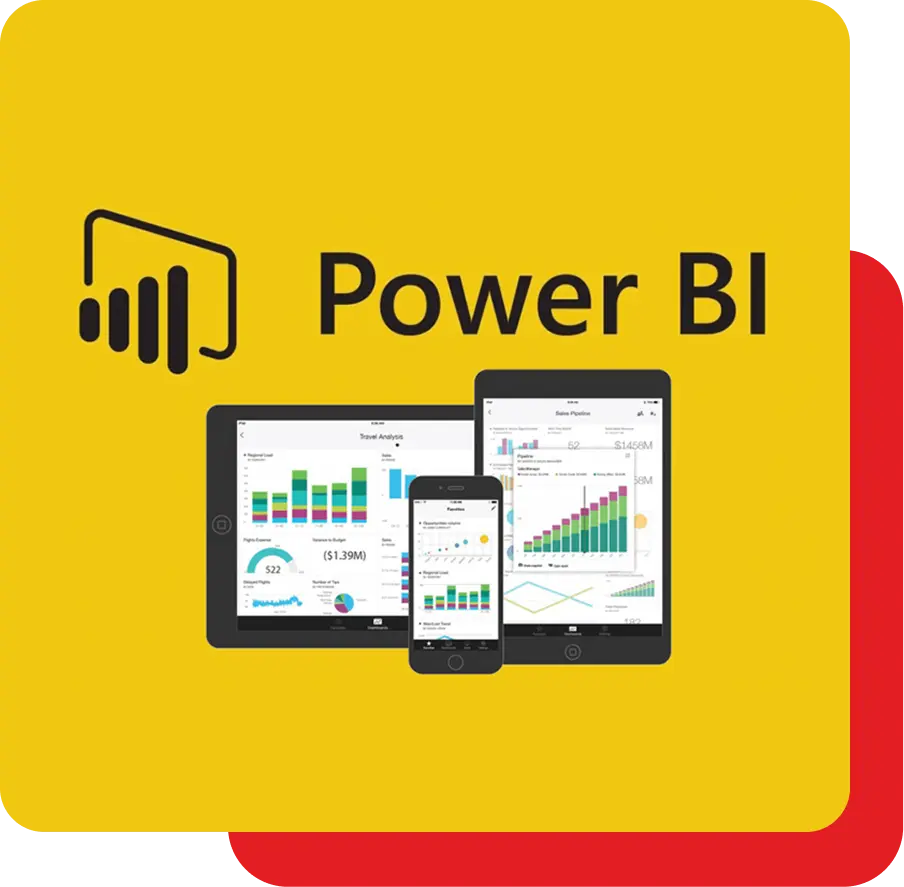
Power BI Training
Become a Certified Power BI Professional with Learningport Technologies Skills and master data visualization, Power Query, DAX, interactive dashboards, business intelligence reports, and real-time data analysis
- Practical Learning
- Learn Industry Skills
- Industry Professional Led Sessions
- Paid Internship
Learners’ Advantages

LMS Portal Access
Access course materials, updates, and resources anytime, anywhere with our lifetime LMS access.

Paid Internship
Every student is offered a paid internship after course completion to build hands-on skills

1:1 Mentorship
Personalized one-on-one mentorship to guide your learning journey and career growth.

Career Guidance
Focused on career direction and growth with mentorship from industry experts throughout your journey.

24*7 Support
Round-the-clock 24/7 support to assist you whenever you need help, anytime anywhere.

Portfolio Building
Build a strong professional portfolio with real-time projects to showcase your expertise.

Interactive Live Training
Engage in real-time learning with interactive live classes led by experienced professionals.

Practical Assignments
Apply your learning through regular hands-on assignments based on real-world use cases.
Power BI Course Curriculum
Module 1: Introduction to Power BI
- Overview of Business Intelligence and Data Visualization
- Introduction to Microsoft Power BI ecosystem
- Power BI Desktop vs Power BI Service
- Understanding Power BI components and architecture
- Installing and setting up Power BI Desktop
- Exploring Power BI interface and navigation
Module 2: Getting Data in Power BI
- Connecting to different data sources (Excel, SQL, etc.)
- Importing data vs DirectQuery method
- Data transformation basics in Power Query
- Data modeling concepts introduction
- Working with relational databases in Power BI
- Connecting to cloud-based data sources
Module 3: Power Query and Data Transformation
- Introduction to Power Query Editor
- Cleaning and shaping data with Power Query
- M Language basics for data transformation
- Data profiling and quality checks
- Handling null values and duplicates
- Combining data from multiple sources
Module 4: Data Modeling in Power BI
- Introduction to data modeling concepts
- Relationships between tables (one-to-many, many-to-many)
- Star schema vs Snowflake schema modeling
- Understanding cardinality and cross filter direction
- Calculated tables and columns creation
- Best practices for optimized data models
Module 5: DAX Basics (Data Analysis Expressions)
- Introduction to DAX in Power BI
- Calculated columns vs Measures
- Basic DAX functions for calculations
- Aggregate functions (SUM, COUNT, AVERAGE)
- Text and logical functions usage
- Time intelligence functions introduction
Module 6: Advanced DAX Concepts
- Advanced calculations with DAX
- Using CALCULATE and FILTER functions
- Context transition and evaluation context
- Working with advanced time intelligence functions
- Variables in DAX for optimization
- Troubleshooting common DAX issues
Module 7: Visualizations in Power BI
- Creating basic visualizations (charts, tables, KPIs)
- Formatting visuals and customizing appearance
- Using slicers and filters in reports
- Conditional formatting in Power BI visuals
- Advanced charts and custom visuals
- Best practices for effective visualization design
Module 8: Power BI Service and Cloud
- Publishing reports to Power BI Service
- Creating and managing workspaces
- Sharing and collaborating on dashboards
- Data refresh and scheduling in Service
- Power BI Mobile app usage
- Understanding Power BI licensing models
Module 9: Dashboards and Reports
- Difference between dashboards and reports
- Creating interactive dashboards
- Using bookmarks for storytelling
- Drill-through and drill-down functionality
- Creating paginated reports with Power BI Report Builder
- Optimizing dashboards for performance
Module 10: Power BI Security
- Row-Level Security (RLS) in Power BI
- Implementing data-level security roles
- Workspace roles and permissions
- Secure sharing practices for reports
- Data governance and compliance in Power BI
- Auditing and monitoring Power BI usage
Module 11: Power BI with Excel and Other Tools
- Integrating Power BI with Excel
- Using Analyze in Excel with Power BI
- Connecting Power BI with Microsoft Teams
- Power BI and SharePoint integration
- Exporting reports to PDF, PowerPoint, Excel
- Embedding Power BI in applications
Module 12: Advanced Topics and Real-World Projects
- Power BI Performance optimization techniques
- Working with big data and Power BI
- Advanced Power Query transformations
- Creating enterprise-grade reports and dashboards
- Case studies and real-world project implementation
- Preparing for Power BI certification exam
Let Us Worry About Your Job While You Focus On Your Skills
- Live Doubt Clearing Sessions
- Weekly Group/Individual Projects
- 1:1 Mentorship
- Monthly Webinars with Industry Leaders
Build a Job-worthy Project-Portfolio
Gain hands-on experience with cutting-edge cloud services that will equip you with the essential skills needed to thrive in a cloud computing career
Learner Benefits

World-Class Pedagogy
World-class pedagogy combines innovative teaching methods, practical learning, and global best practices to ensure students gain in-depth knowledge, critical thinking skills, and real-world expertise for career excellence.

4.9/5 Rating

Practical Learning

24*7 Support

1:1 Mentorship

1000+ Career Transition

100+ Hiring Patners

Career Assistance

Personalized Guidance
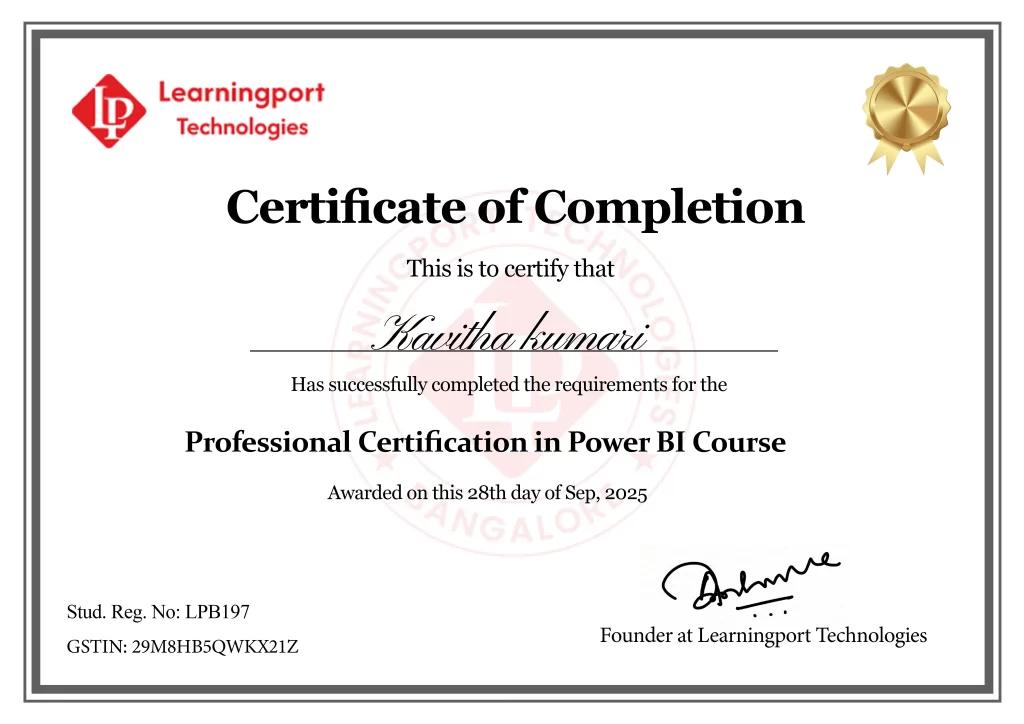
Get Professional Certificate
Upskill Your Knowledge To Change Your Career Trajectory
- Gain official proof of your expertise from a trusted institution, increasing your value in the eyes of employers and clients.
- Stand out in competitive job markets and unlock better job roles, promotions, or freelance opportunities.
- Certifications ensure your skills are aligned with current industry standards, making you job-ready from day one.
- Completing a certified course strengthens your belief in your capabilities and readiness to tackle real-world challenges.
- Join a professional community, gain access to hiring managers, and receive support from placement partners and mentors.
Get in touch
Our programs combine real-world projects, expert mentorship, and globally recognized certifications. empowering you to launch and grow your career in the cloud and beyond
Land Your Dream Job Like Our Alumni
FAQ's On This Course
Power BI is a Microsoft tool for data visualization, business intelligence, and reporting. It transforms raw data into interactive dashboards and reports, helping organizations analyze trends, monitor performance, and make informed decisions based on real-time data insights.
Power BI is ideal for data analysts, business intelligence professionals, data scientists, IT professionals, managers, and decision-makers who need to analyze data, create dashboards, and present insights effectively for better decision-making in businesses across industries.
No advanced skills are required. Basic knowledge of Excel, data handling, or databases is helpful. However, beginners can start from scratch, as Power BI training covers everything from fundamentals to advanced topics step-by-step.
Power BI training usually takes 6–8 weeks depending on class schedule, assignments, and practice. Intensive courses or bootcamps may finish earlier, but self-paced learners might take longer based on practice time.
Yes, the training includes real-world case studies and projects that simulate business scenarios. You’ll build dashboards, reports, and BI solutions to gain hands-on experience that prepares you for actual job requirements.
Yes, Power BI professionals are in huge demand. Businesses worldwide need experts to analyze and visualize data for better decision-making. Power BI is among the most popular tools in business intelligence today.
Yes, many organizations hire remote Power BI analysts and developers. Since the tool is cloud-based, remote collaboration, report sharing, and real-time dashboard monitoring make it suitable for remote work opportunities.
Power Query is a data transformation tool inside Power BI. It allows users to clean, merge, filter, and reshape data from multiple sources before creating reports and dashboards for analysis.
DAX (Data Analysis Expressions) is a formula language used in Power BI. It creates custom calculations, measures, and advanced data models for in-depth analysis beyond basic reporting and visuals.
Lightning Web Components (LWC) are modern, reusable UI components built with JavaScript and HTML. They provide better performance, flexibility, and a standard development model for Salesforce Lightning.
Dashboards in Power BI are single-page visual summaries created from multiple reports. They show KPIs, trends, and real-time data, providing decision-makers with quick, high-level insights for business decisions.
Yes, Power BI directly connects to SQL Server databases. It retrieves structured data for creating dashboards and reports, making it a powerful tool for database-driven businesses.
What Our Learners Have To Say
EXCELLENT Based on 202 reviews
 Posted on Google
 hari prasadBest place to learn cloud,I done window VMware and AzurePosted on Google
 Shivananda BhavikattiWorking at LearningPort Technology has been a great experience. The company offers a supportive work environment, good learning opportunities, and a team that is always helpful and cooperative. I’ve been able to improve my skills, gain real project experience, and grow professionally. The management is approachable, and the overall work culture is positive and motivating. I’m proud to be a part of LearningPort Technology and would definitely recommend it to others.Posted on Google
 Amu RajaI'm incredibly impressed with expert trainers, great materials and hands-on practice with Windows, VMware and Azure where mentor assisting me to crack an interview as well. Highly recommend for practical cloud training..Posted on Google
 MD YaseenWindows server training, practical, real-time learning and good trainer support company's commitment to helping students secure placements.Posted on Google
 Noor AhamedExcellentPosted on Google
 Ashraf_ Ayodhi.Best' traning institute i learn MCSA and VMware Good mentor and friendly naturePosted on Google
 Rohit MunavalliLearningPort’s corporate trainer made complex topics simple with real-life examples. The sessions were interactive, and I gained confidence to apply the skills in my current job. Highly recommend for working professionals!