PowerShell Certification Master Program

Become a Certified PowerShell Professional with Learningport Technologies Skills and master scripting, task automation, server management, Active Directory, cloud integration, and advanced automation techniques.

PowerShell Certification Master Program

Become a Certified PowerShell Professional with Learningport Technologies Skills and master scripting, task automation, server management, Active Directory, cloud integration, and advanced automation techniques.

Learners’ Advantages

LMS Portal Access

Access course materials, updates, and resources anytime, anywhere with our lifetime LMS access.

Paid Internship

Every student is offered a paid internship after course completion to build hands-on skills

1:1 Mentorship

Personalized one-on-one mentorship to guide your learning journey and career growth.

Career Guidance

Focused on career direction and growth with mentorship from industry experts throughout your journey.

24*7 Support

Round-the-clock 24/7 support to assist you whenever you need help, anytime anywhere.

Portfolio Building

Build a strong professional portfolio with real-time projects to showcase your expertise.

Interactive Live Training

Engage in real-time learning with interactive live classes led by experienced professionals.

Practical Assignments

Apply your learning through regular hands-on assignments based on real-world use cases.
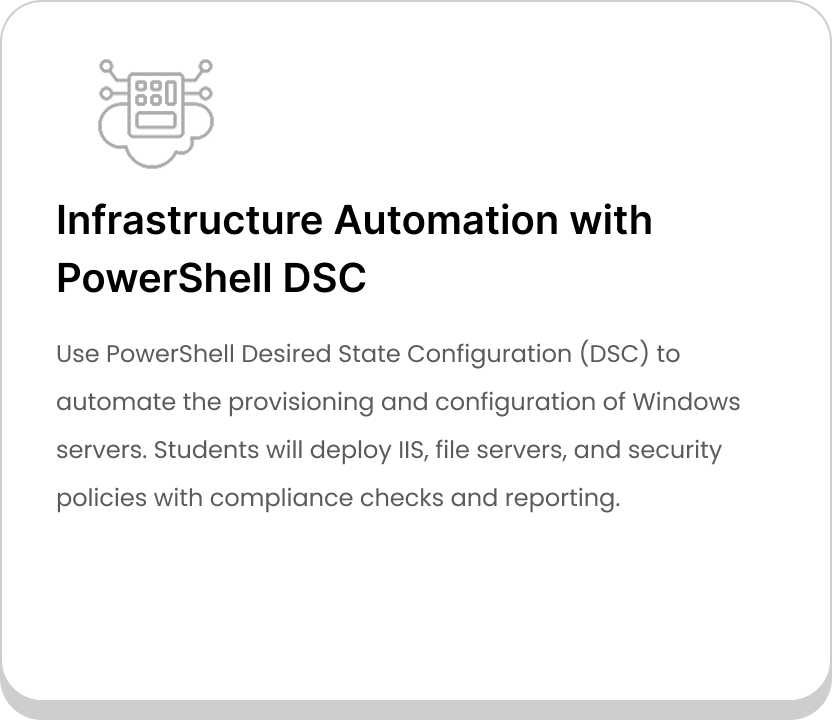
PowerShell Course Curriculum

  • What is PowerShell and its evolution
  • PowerShell vs Command Prompt
  • Installing and updating PowerShell
  • Understanding PowerShell console and ISE
  • Running basic commands (cmdlets)
  • Navigating the file system with PowerShell
  • Understanding cmdlets, providers, and objects
  • Aliases and command discovery (Get-Command, Get-Help)
  • Using pipelines effectively
  • Formatting output (Format-Table, Format-List)
  • Sorting and filtering data (Sort-Object, Where-Object)
  • Exporting data to CSV, JSON, and XML
  • Declaring and using variables

  • Strings, integers, arrays, and hash tables

  • Type casting and type accelerators

  • Environment variables in PowerShell

  • Automatic variables ($PSVersionTable, $Error, etc.)

  • Best practices for variable naming

  • Arithmetic operators
  • Comparison operators
  • Logical operators
  • Assignment operators
  • String operators (-like, -match)
  • Using operators in scripts
  • If, ElseIf, Else statements
  • Switch statements
  • For loop and ForEach loop
  • While and Do-While loops
  • Breaking and continuing loops
  • Practical examples with loops
  • Creating functions in PowerShell
  • Parameters and return values
  • Script blocks and scopes
  • Writing reusable scripts
  • Understanding profiles in PowerShell
  • Error handling with Try/Catch
  • Introduction to modules
  • Discovering and installing modules (Find-Module)
  • Importing and removing modules
  • Creating custom modules
  • PowerShell Gallery usage
  • Best practices for module management
  • File system operations (Get-Item, Copy-Item, Remove-Item)
  • Directory management (New-Item, Get-ChildItem)
  • Reading and writing files
  • Managing processes (Get-Process, Stop-Process)
  • Working with services (Get-Service, Start-Service)
  • Scheduled tasks automation
  • Introduction to remoting in PowerShell
  • Configuring and enabling remoting (Enable-PSRemoting)
  • One-to-one and one-to-many remoting
  • Using Invoke-Command and sessions
  • Security considerations in remoting
  • Managing remote computers with remoting
  • Installing and importing Active Directory module
  • Managing AD users and groups
  • Creating and modifying OUs
  • Managing group policies with PowerShell
  • Automating user provisioning
  • Querying AD objects
  • PowerShell with Microsoft Azure
  • PowerShell with AWS tools
  • Managing Office 365 using PowerShell
  • Infrastructure automation basics
  • Automating backups and monitoring
  • Integrating PowerShell with CI/CD pipelines
  • Regular expressions in PowerShell

  • Writing advanced functions

  • Debugging scripts

  • Logging and auditing with PowerShell

  • Securing scripts and credentials

  • Best practices for script optimization

Let Us Worry About Your Job While You Focus On Your Skills

Build a Job-worthy Project-Portfolio

Gain hands-on experience with cutting-edge cloud services that will equip you with the essential skills needed to thrive in a cloud computing career

Learner Benefits

World-Class Pedagogy

World-class pedagogy combines innovative teaching methods, practical learning, and global best practices to ensure students gain in-depth knowledge, critical thinking skills, and real-world expertise for career excellence.

4.9/5 Rating

Practical Learning
24*7 Support

1:1 Mentorship

1000+ Career Transition

100+ Hiring Patners

Career Assistance

Personalized Guidance
World-Class Pedagogy

World-class pedagogy combines innovative teaching methods, practical learning, and global best practices to ensure students gain in-depth knowledge, critical thinking skills, and real-world expertise for career excellence.

4.9/5 Rating

Practical Learning

24*7 Support

1:1 Mentorship

1000+ Career Transition

100+ Hiring Patners

Career Assistance

Personalized Guidance
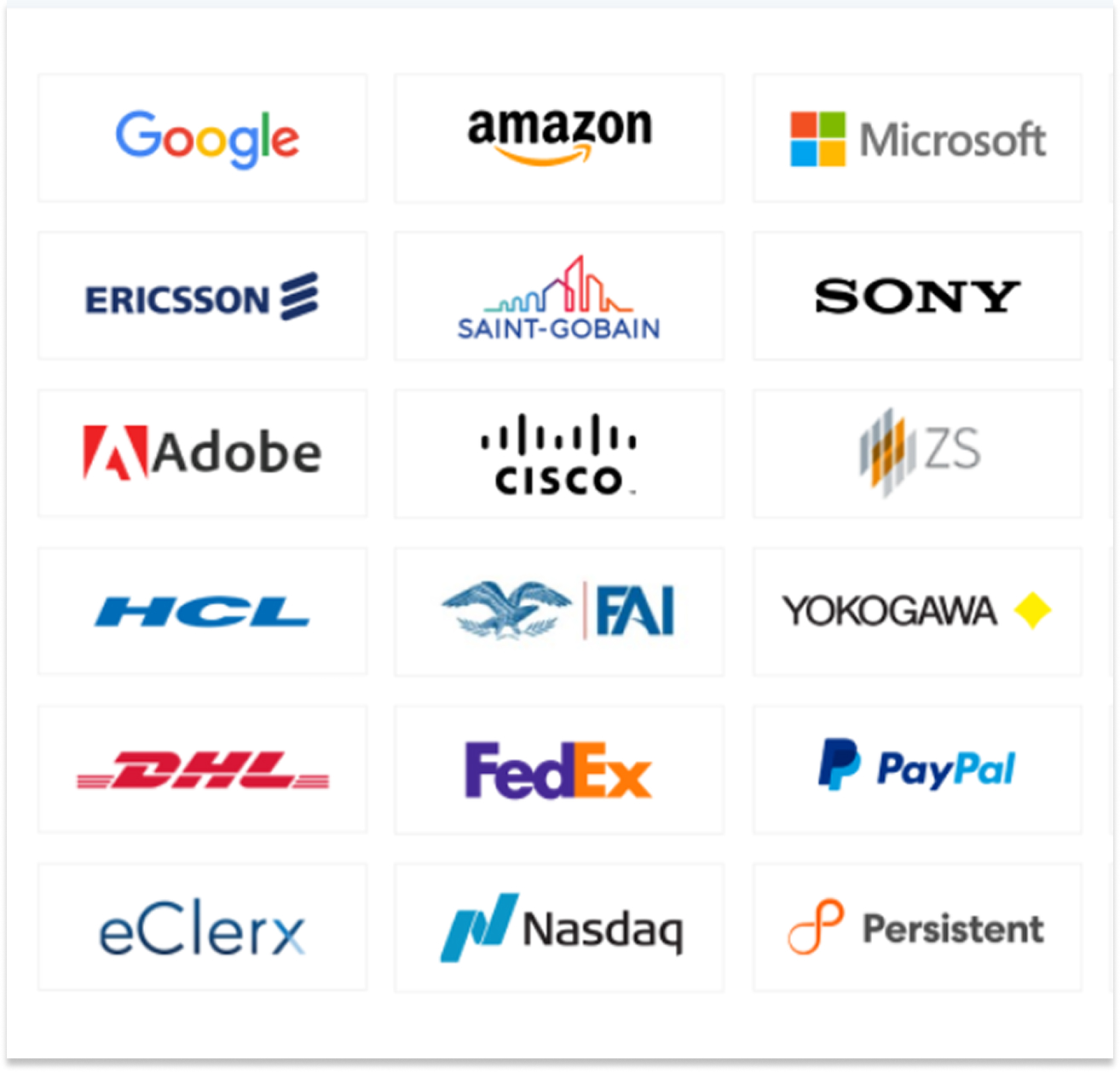
Get Professional Certificate

Upskill Your Knowledge To Change Your Career Trajectory

Get in touch

Our programs combine real-world projects, expert mentorship, and globally recognized certifications. empowering you to launch and grow your career in the cloud and beyond

Name

Land Your Dream Job Like Our Alumni

FAQ's On This Course

PowerShell Server enables secure remote management, automation, and scripting for Windows environments using PowerShell.

System administrators, IT professionals, cloud engineers, and anyone interested in automating server administration tasks.

Yes, user, group, and policy management with PowerShell is included.

Yes, remote server management using PowerShell remoting is covered.

Yes, Azure, AWS, and Office 365 automation are taught.

Yes, structured coding, error handling, and optimization are included.

Yes, we offer weekend batches for students and professionals with tight schedules.


Yes, it’s a must-have skill for modern IT administrators.

We offer both online live classes and offline classroom sessions.

Yes, our placement team assists with resume building, interviews, and connecting students to IT companies.

Yes, students receive study materials, assignments, and project-based exercises.

IT professionals, developers, sysadmins, cloud engineers, and anyone interested in mastering automation, CI/CD, and cloud deployment using AWS.

  •  

Microsoft, IBM, Accenture, TCS, Infosys, and cloud service providers.


System Administrator, Automation Engineer, Cloud Engineer, and IT Support Specialist.

What Our Learners Have To Say

Explore the Latest Trending Courses

Scroll to Top