Microsoft 365 Certification Master Program
Become a Certified Microsoft 365 Professional with Learningport Technologies Skills and master Office 365, Teams, SharePoint, Exchange Online, Security, Compliance, and Enterprise Collaboration Tools
- Practical Learning
- Learn Industry Skills
- Industry Professional Led Sessions
- Paid Internship
Microsoft 365 Certification Master Program
Become a Certified Microsoft 365 Professional with Learningport Technologies Skills and master Office 365, Teams, SharePoint, Exchange Online, Security, Compliance, and Enterprise Collaboration Tools
- Practical Learning
- Learn Industry Skills
- Industry Professional Led Sessions
- Paid Internship
Learners’ Advantages

LMS Portal Access
Access course materials, updates, and resources anytime, anywhere with our lifetime LMS access.

Paid Internship
Every student is offered a paid internship after course completion to build hands-on skills

1:1 Mentorship
Personalized one-on-one mentorship to guide your learning journey and career growth.

Career Guidance
Focused on career direction and growth with mentorship from industry experts throughout your journey.

24*7 Support
Round-the-clock 24/7 support to assist you whenever you need help, anytime anywhere.

Portfolio Building
Build a strong professional portfolio with real-time projects to showcase your expertise.

Interactive Live Training
Engage in real-time learning with interactive live classes led by experienced professionals.

Practical Assignments
Apply your learning through regular hands-on assignments based on real-world use cases.
Microsoft 365 Course Curriculum
Module 1: Introduction to Microsoft 365
- Overview of Microsoft 365 ecosystem
- Understanding subscription plans
- Key features and benefits
- Microsoft 365 apps introduction
- Cloud-based productivity tools
- Licensing and pricing models
Module 2: Microsoft 365 Administration Basics
- Microsoft 365 admin center overview
- Navigating the dashboard
- User and group management
- Assigning licenses
- Monitoring usage and activity
- Basic troubleshooting
Module 3: Exchange Online Management
- Overview of Exchange Online
- Creating and managing mailboxes
- Distribution groups setup
- Email policies and retention
- Anti-spam and anti-malware protection
- Mail flow rules
Module 4: Microsoft Teams Essentials
- Introduction to Microsoft Teams
- Creating teams and channels
- Managing meetings and calls
- Teams chat and collaboration features
- Security and compliance in Teams
- Integrations with other apps
Module 5: SharePoint Online
- Overview of SharePoint Online
- Creating sites and pages
- Document libraries management
- Sharing and permissions control
- Collaboration with OneDrive
- Workflows and automation
Module 6: OneDrive for Business
- OneDrive features overview
- File synchronization
- File sharing and permissions
- Co-authoring documents
- Data recovery options
- OneDrive security
Module 7: Microsoft 365 Security & Compliance
- Security overview in Microsoft 365
- Data Loss Prevention (DLP)
- Multi-factor authentication (MFA)
- Compliance center introduction
- Insider risk management
- Audit logs and reporting
Module 8: Power Platform Basics
- Introduction to Power Platform
- Power Automate workflows
- Power Apps fundamentals
- Power BI dashboards
- Power Virtual Agents overview
- Integration with Microsoft 365
Module 9: Microsoft 365 Identity Management
- Azure Active Directory overview
- User authentication methods
- Role-based access control (RBAC)
- Conditional access policies
- Self-service password reset
- Hybrid identity concepts
Module 10: Collaboration and Productivity Tools
- Microsoft Word Online features
- Microsoft Excel Online features
- Microsoft PowerPoint Online features
- Outlook Online productivity
- Planner and To Do apps
- Whiteboard and Yammer basics
Module 11: Advanced Administration
- Advanced Exchange settings
- SharePoint governance policies
- Teams admin center configuration
- Compliance manager deep dive
- Threat protection tools
- Automation with PowerShell
Module 12: Microsoft 365 Deployment & Support
- Planning Microsoft 365 deployment
- Migration strategies (email, files)
- Admin roles and delegation
- Monitoring service health
- Support and troubleshooting tools
- Best practices and future roadmap
Let Us Worry About Your Job While You Focus On Your Skills
- Live Doubt Clearing Sessions
- Weekly Group/Individual Projects
- 1:1 Mentorship
- Monthly Webinars with Industry Leaders
Build a Job-worthy Project-Portfolio
Gain hands-on experience with cutting-edge cloud services that will equip you with the essential skills needed to thrive in a cloud computing career


Learner Benefits

World-Class Pedagogy
World-class pedagogy combines innovative teaching methods, practical learning, and global best practices to ensure students gain in-depth knowledge, critical thinking skills, and real-world expertise for career excellence.

4.9/5 Rating

Practical Learning
24*7 Support

1:1 Mentorship

1000+ Career Transition

100+ Hiring Patners

Career Assistance

Personalized Guidance
World-Class Pedagogy
World-class pedagogy combines innovative teaching methods, practical learning, and global best practices to ensure students gain in-depth knowledge, critical thinking skills, and real-world expertise for career excellence.

4.9/5 Rating

Practical Learning

24*7 Support

1:1 Mentorship

1000+ Career Transition

100+ Hiring Patners

Career Assistance

Personalized Guidance
Get Professional Certificate
Upskill Your Knowledge To Change Your Career Trajectory
- Gain official proof of your expertise from a trusted institution, increasing your value in the eyes of employers and clients.
- Stand out in competitive job markets and unlock better job roles, promotions, or freelance opportunities.
- Certifications ensure your skills are aligned with current industry standards, making you job-ready from day one.
- Completing a certified course strengthens your belief in your capabilities and readiness to tackle real-world challenges.
- Join a professional community, gain access to hiring managers, and receive support from placement partners and mentors.
Get in touch
Our programs combine real-world projects, expert mentorship, and globally recognized certifications. empowering you to launch and grow your career in the cloud and beyond
Land Your Dream Job Like Our Alumni
FAQ's On This Course
A cloud-based suite of productivity apps like Word, Excel, PowerPoint, Teams, and Outlook for personal and business use.
Basic computer knowledge is sufficient; no prior certification required.
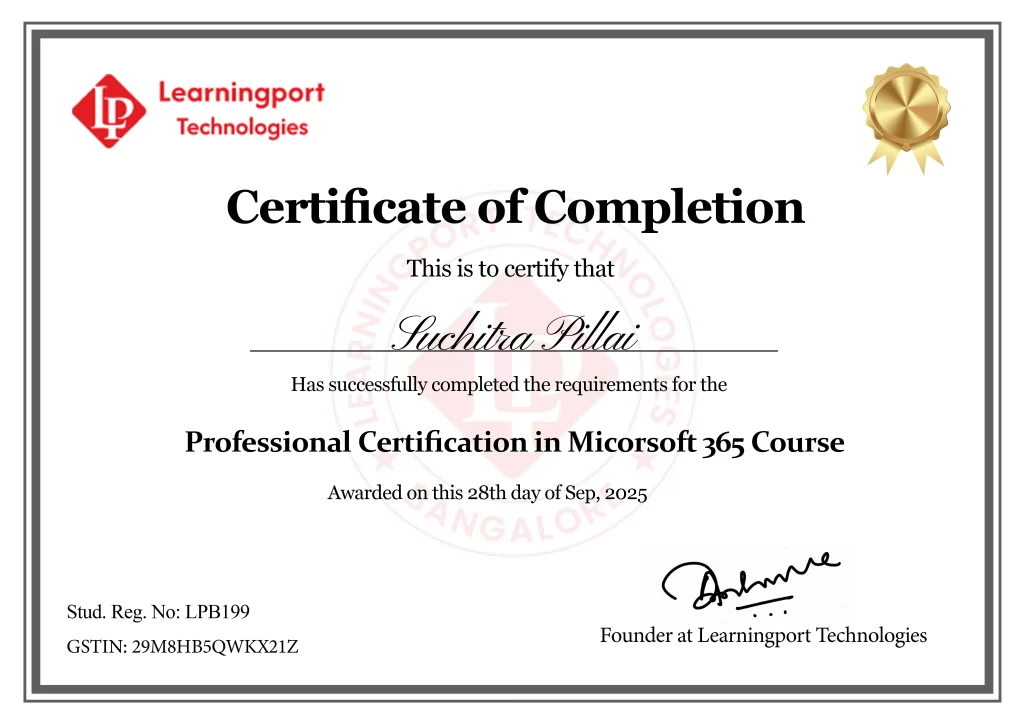
Yes, a Microsoft 365 Master Training completion certificate is provided.
Yes, Teams setup, collaboration, and management are fully covered.
Yes, includes Microsoft 365 security, compliance, and threat protection modules.
PCs, Macs, tablets, and smartphones with internet access.
Yes, we offer weekend batches for students and professionals with tight schedules.
Â
Yes, Microsoft 365 cloud admin and Exchange Online training included.
We offer both online live classes and offline classroom sessions.
Yes, our placement team assists with resume building, interviews, and connecting students to IT companies.
Yes, students receive study materials, assignments, and project-based exercises.
Yes, SharePoint sites, libraries, and permissions fully explained.
Yes, enhances IT, admin, and cloud productivity career prospects.
Yes, ongoing updates for latest Microsoft 365 features provided.
What Our Learners Have To Say
EXCELLENT Based on 202 reviews Posted on hari prasadTrustindex verifies that the original source of the review is Google. Best place to learn cloud,I done window VMware and AzurePosted on Shivananda BhavikattiTrustindex verifies that the original source of the review is Google. Working at LearningPort Technology has been a great experience. The company offers a supportive work environment, good learning opportunities, and a team that is always helpful and cooperative. I’ve been able to improve my skills, gain real project experience, and grow professionally. The management is approachable, and the overall work culture is positive and motivating. I’m proud to be a part of LearningPort Technology and would definitely recommend it to others.Posted on Amu RajaTrustindex verifies that the original source of the review is Google. I'm incredibly impressed with expert trainers, great materials and hands-on practice with Windows, VMware and Azure where mentor assisting me to crack an interview as well. Highly recommend for practical cloud training..Posted on MD YaseenTrustindex verifies that the original source of the review is Google. Windows server training, practical, real-time learning and good trainer support company's commitment to helping students secure placements.Posted on Noor AhamedTrustindex verifies that the original source of the review is Google. ExcellentPosted on Ashraf_ Ayodhi.Trustindex verifies that the original source of the review is Google. Best' traning institute i learn MCSA and VMware Good mentor and friendly naturePosted on Rohit MunavalliTrustindex verifies that the original source of the review is Google. LearningPort’s corporate trainer made complex topics simple with real-life examples. The sessions were interactive, and I gained confidence to apply the skills in my current job. Highly recommend for working professionals!