
VMware Server Certification Master Program

Become a Certified VMware Professional with Learningport Technologies Skills and master vSphere, ESXi, vCenter, Virtual Networking, Storage Management, and Automation with PowerCLI

VMware Server Certification Master Program

Become a Certified VMware Professional with Learningport Technologies Skills and master vSphere, ESXi, vCenter, Virtual Networking, Storage Management, and Automation with PowerCLI

Learners’ Advantages

LMS Portal Access

Access course materials, updates, and resources anytime, anywhere with our lifetime LMS access.

Paid Internship

Every student is offered a paid internship after course completion to build hands-on skills

1:1 Mentorship

Personalized one-on-one mentorship to guide your learning journey and career growth.

Career Guidance

Focused on career direction and growth with mentorship from industry experts throughout your journey.

24*7 Support

Round-the-clock 24/7 support to assist you whenever you need help, anytime anywhere.

Portfolio Building

Build a strong professional portfolio with real-time projects to showcase your expertise.

Interactive Live Training

Engage in real-time learning with interactive live classes led by experienced professionals.

Practical Assignments

Apply your learning through regular hands-on assignments based on real-world use cases.

VMware Server Course Curriculum

  • Overview of virtualization technology
  • Introduction to VMware products and ecosystem
  • Understanding hypervisors: Type 1 vs Type 2
  • Benefits of VMware for server virtualization
  • VMware use cases in enterprise environments
  • Installing and navigating VMware interface
  • Understanding VMware ESXi architecture
  • Components of VMware vSphere
  • VMware vCenter Server overview
  • Virtual Machine (VM) structure and files
  • Networking and storage components in VMware
  • Resource management concepts (CPU, memory, storage)
  • Creating and configuring virtual machines
  • Installing guest operating systems
  • VM templates and cloning
  • Snapshots and their management
  • VM migration (vMotion)
  • Best practices for VM management
  • Introduction to virtual networking
  • vSwitches and distributed switches
  • VLAN configuration and segmentation
  • Network adapters and NIC teaming
  • Monitoring and troubleshooting network connectivity
  • Best practices for VMware networking
    • Storage types: VMFS, NFS, iSCSI

    • Datastore creation and management

    • Storage vMotion for VM migration

    • Configuring storage policies

    • Snapshots and backup strategies

    • Best practices for storage performance

  • Understanding VMware security concepts
  • Role-Based Access Control (RBAC) in vSphere
  • Securing ESXi hosts and VMs
  • Managing SSL certificates
  • VMware firewall and network security
  • Best practices for VMware security
  • Importance of VM backup and recovery
  • VMware snapshot management for backup
  • Integration with backup solutions
  • Restoring VMs from snapshots or backups
  • Disaster recovery planning
  • Best practices for VM backup strategies
  • Performance metrics in vSphere
  • Monitoring CPU, memory, and storage utilization
  • Using vCenter alarms and notifications
  • Analyzing VM performance issues
  • Capacity planning for servers
  • Best practices for performance optimization
  • Introduction to VMware automation tools
  • Using PowerCLI for scripting and automation
  • Automating VM provisioning and configuration
  • Scheduling tasks and workflows
  • Integrating VMware with DevOps tools
  • Best practices for VMware automation
  • Introduction to VMware HA and DRS
  • Configuring HA clusters
  • Load balancing using DRS
  • VM failover and redundancy
  • Understanding VMware FT (Fault Tolerance)
  • Best practices for high availability
  • VMware Cloud on AWS overview
  • Hybrid cloud deployment concepts
  • Connecting on-premise VMware to cloud
  • Cloud storage and networking integration
  • Migrating VMs to cloud environments
  • Best practices for cloud-enabled VMware
  • End-to-end VMware lab project
  • Setting up a virtualized enterprise environment
  • VM deployment, networking, and storage configuration
  • Backup, monitoring, and security implementation
  • Troubleshooting common VMware issues
  • Certification guidance and career roadmap

Let Us Worry About Your Job While You Focus On Your Skills

A Few States About The Cloud Industry

$2.29 Trillion: Predicted value of the global cloud market by 2032 (Precedence Research)
$675.4 Billion: Estimated public cloud spending fueled by GenAI adoption (TechJury)

96% of Companies: Currently leveraging public cloud services worldwide (Spacelift)

92% of Enterprises: Following multi-cloud strategies for greater flexibility (TechJury)

53% Faster Growth: Businesses report accelerated revenue through cloud technologies (Salesforce)

70% of Enterprises: Expected to adopt industry-specific clouds by 2027 (Spacelift)
Build a Job-worthy Project-Portfolio

Gain hands-on experience with cutting-edge cloud services that will equip you with the essential skills needed to thrive in a cloud computing career

Learner Benefits

World-Class Pedagogy

World-class pedagogy combines innovative teaching methods, practical learning, and global best practices to ensure students gain in-depth knowledge, critical thinking skills, and real-world expertise for career excellence.

4.9/5 Rating

Practical Learning
24*7 Support

1:1 Mentorship

1000+ Career Transition

100+ Hiring Patners

Career Assistance

Personalized Guidance
World-Class Pedagogy

World-class pedagogy combines innovative teaching methods, practical learning, and global best practices to ensure students gain in-depth knowledge, critical thinking skills, and real-world expertise for career excellence.

4.9/5 Rating

Practical Learning

24*7 Support

1:1 Mentorship

1000+ Career Transition

100+ Hiring Patners

Career Assistance

Personalized Guidance
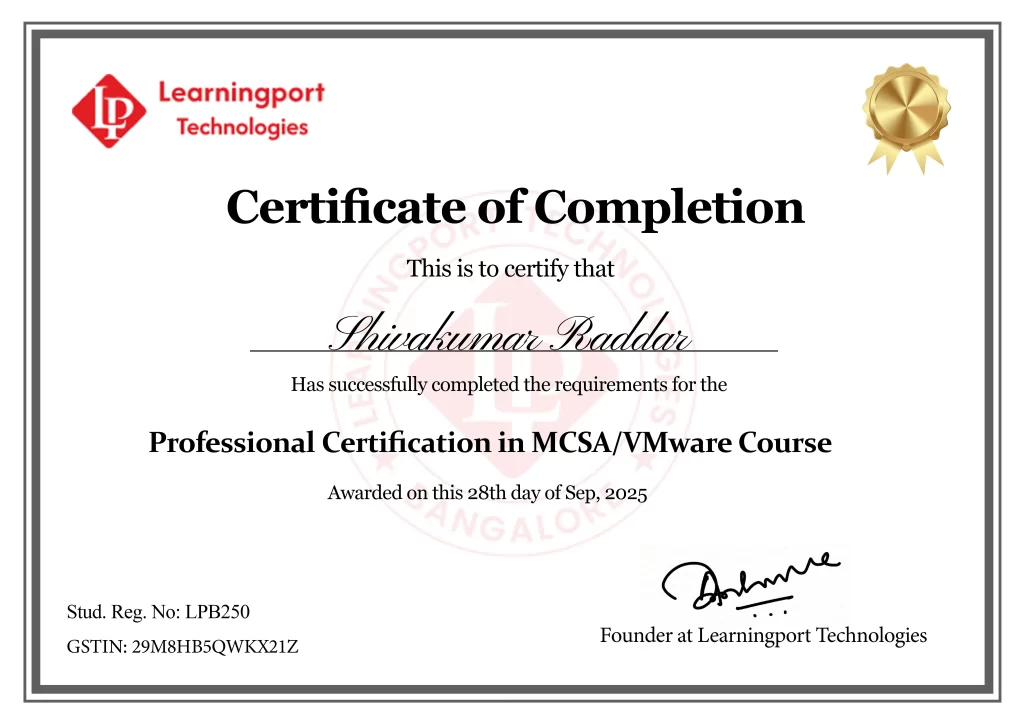
Get Professional Certificate

Upskill Your Knowledge To Change Your Career Trajectory

Get in touch

Our programs combine real-world projects, expert mentorship, and globally recognized certifications. empowering you to launch and grow your career in the cloud and beyond

Name

Land Your Dream Job Like Our Alumni

FAQ's On This Course

VMware Server is a virtualization platform that allows multiple virtual machines to run on a single physical server. It enables efficient resource utilization, simplifies management, and provides isolation for applications and operating systems within virtual environments

VMware Server training is ideal for IT administrators, cloud engineers, network professionals, and anyone managing virtualized environments. It equips learners with skills to deploy, configure, monitor, and troubleshoot VMware-based server infrastructures.

Basic knowledge of operating systems and networking is helpful. The course introduces virtualization concepts, VMware architecture, and step-by-step guidance, enabling beginners to build expertise in VMware server management.

vCenter Server is a centralized management platform for VMware environments. It manages multiple ESXi hosts, automates tasks, monitors performance, provides backup options, and ensures high availability of virtual machines.

Snapshots capture the state of a VM at a specific point. They allow administrators to revert to previous configurations, test updates safely, and provide quick recovery options in case of failures.

VMware uses virtual switches, NIC teaming, and VLANs to manage networking. Administrators configure network connectivity for VMs, segment traffic, and monitor performance for secure and efficient communication.

Yes, we offer weekend batches for students and professionals with tight schedules.


Distributed Resource Scheduler (DRS) balances workloads across ESXi hosts. It optimizes CPU and memory usage, reduces bottlenecks, and ensures efficient performance of virtual machines in a cluster.

We offer both online live classes and offline classroom sessions.

Yes, our placement team assists with resume building, interviews, and connecting students to IT companies.

Yes, students receive study materials, assignments, and project-based exercises.

IT professionals, developers, sysadmins, cloud engineers, and anyone interested in mastering automation, CI/CD, and cloud deployment using AWS.

  •  

What is DRS in VMware?
Yes, many professionals from development, testing, or sysadmin backgrounds transition to DevOps successfully.

Fault Tolerance (FT) provides continuous availability by creating a secondary VM that mirrors the primary. In case of failure, the secondary VM takes over instantly without downtime or data loss.

What Our Learners Have To Say

Explore the Latest Trending Courses

Scroll to Top